

Bose
10M+
App information
- Name:
- Bose
- Category:
- Music & Audio
- Safety:
- Not verified
- Price:
- Free
- Developer:
- Bose Corporation
- Download:
- 10M+
Screenshots








About
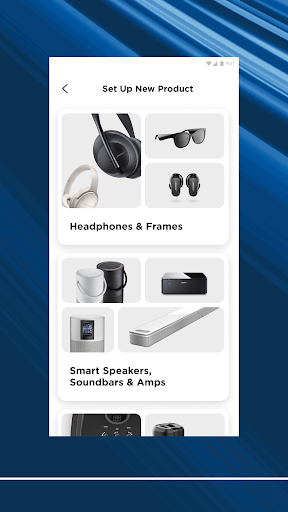
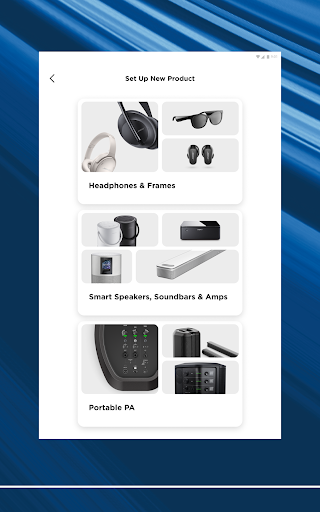
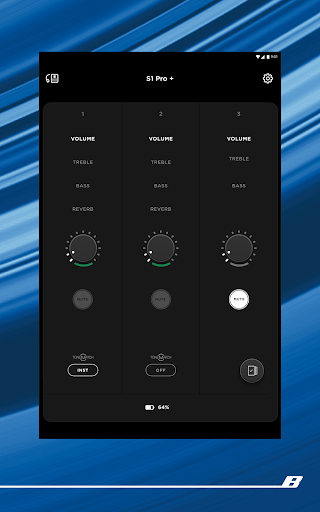
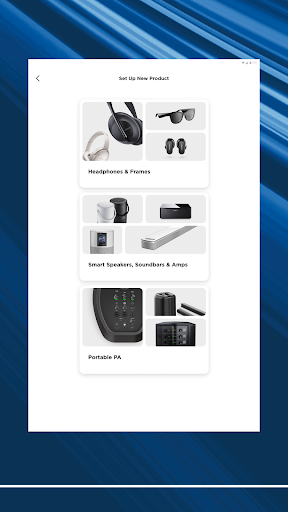
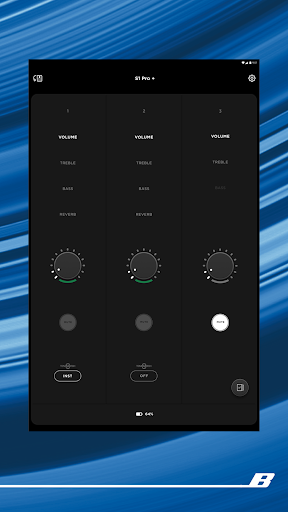
The Bose app allows users to manage their Bose audio devices centrally. It suits anyone with multiple Bose products, from headphones to soundbars. For instance, you can easily adjust noise cancellation settings on your QuietComfort headphones while simultaneously controlling music playback on a home speaker.
What Stands Out
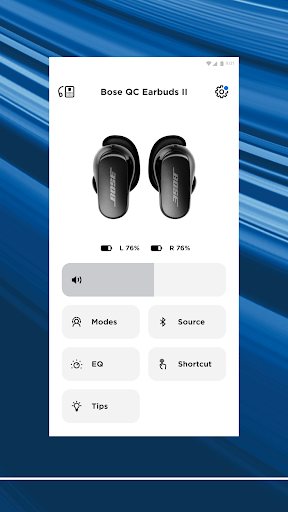
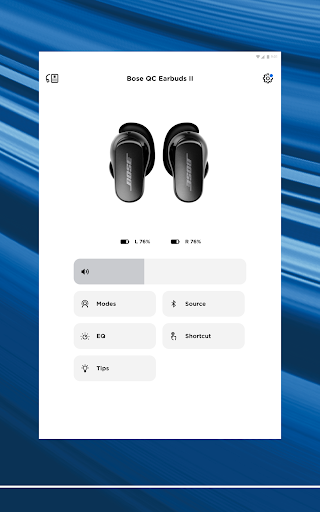
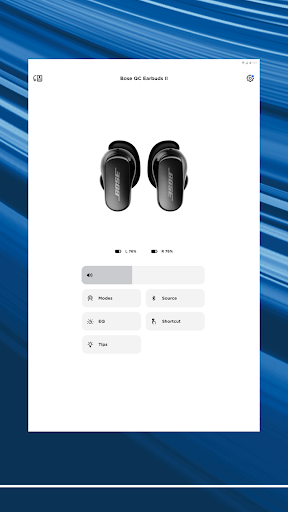
- Personalize noise cancellation levels on QuietComfort headphones and earbuds, choosing between full immersion or awareness of your surroundings.
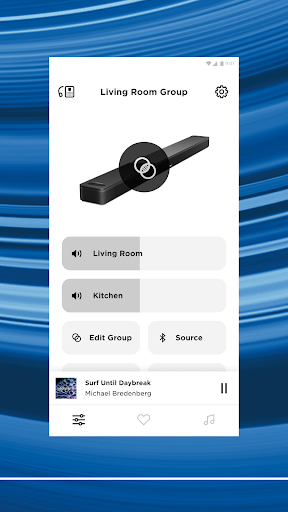
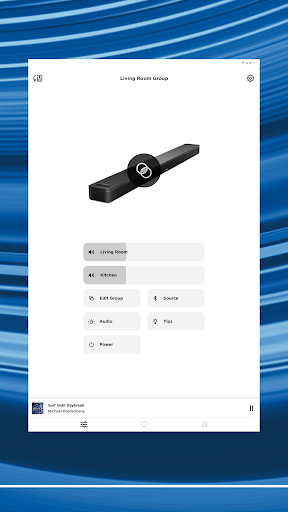
- Seamlessly group or ungroup Bose speakers and soundbars for synchronized audio playback throughout your home.
- Set favorite music playlists or radio stations as presets for quick, one-touch access via the app or device controls.
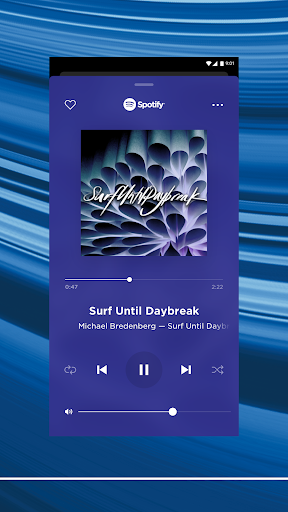
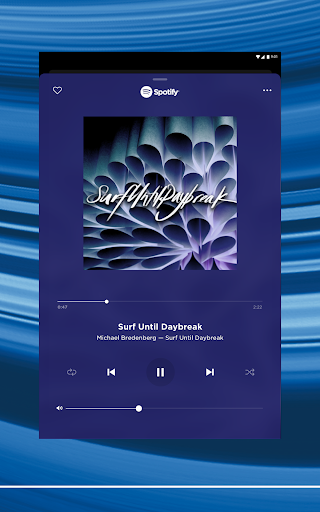
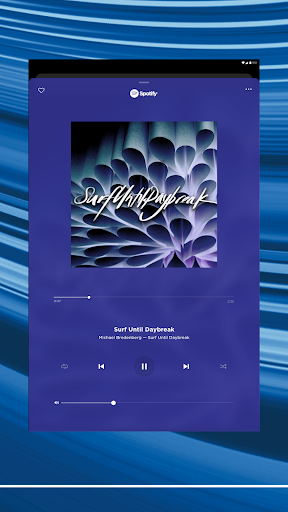
- Directly browse and play music from popular streaming services like Spotify and Pandora within the app interface.
Things to Consider
While the Bose app offers extensive control, certain advanced features like Immersive Audio may be exclusive to specific product lines, such as the Ultra series. Users should confirm compatibility for their particular Bose devices. The app is available through official app stores, and no information is provided regarding direct APK downloads.
Useful Tips
- Utilize the 'Modes' feature on QuietComfort products to switch between Quiet Mode and Aware Mode for optimal listening in different environments.
- Assign your most-listened-to playlists or radio stations to presets for instant playback with a single tap.
- Explore the EQ settings within the app to fine-tune the audio output to your personal preferences for different Bose products.
- Set up different audio content for separate rooms if you have multiple compatible Bose speakers or soundbars.
More Apps
 ビックカメラShopping★ 5.01M+
 손목닥터9988Health & Fitness★ 5.01M+
 ScottishPower - Your EnergyHouse & Home★ 5.01M+
 調整さんProductivity★ 5.0100K+
 PrestaCOPFinance★ 5.050K+
 YouVersion BibleBooks & Reference★ 4.9100M+
 Question.AI - Chatbot&Math AIEducation★ 4.95M+
 Centi PRO - Currency ConverterFinance★ 4.91K+
 Word Search ExplorerWord★ 4.95M+
 Collage Maker | Photo EditorPhotography★ 4.9100M+
 Panera BreadFood & Drink★ 4.95M+
 StardustTV - Movies & DramasEntertainment★ 4.9500K+
 Waymo OneMaps & Navigation★ 4.91M+
 PopeyesFood & Drink★ 4.95M+
 CHANI: Your Astrology GuideLifestyle★ 4.950K+
 Al Quran (Tafsir & by Word)Books & Reference★ 4.95M+
 ColorNote Notepad NotesProductivity★ 4.9100M+
 SpeedwayFood & Drink★ 4.95M+
 Bubble Level - Level ToolTools★ 4.91M+
 MPCTravel & Local★ 4.91M+
 Marriott BonvoyTravel & Local★ 4.910M+
 ArriveCANTravel & Local★ 4.95M+
 LimeTravel & Local★ 4.910M+
 GIF Sticker & WAstickerSocial★ 4.95M+
 漢字辞典Books & Reference★ 4.9500K+
 ChewyShopping★ 4.910M+
 EventbriteEntertainment★ 4.910M+
 Vita MahjongBoard★ 4.9100M+
 NPRNews & Magazines★ 4.85M+
 7-ElevenFood & Drink★ 4.810M+