
Microsoft Outlook
1B+
App information
- Name:
- Microsoft Outlook
- Category:
- Productivity
- Safety:
- Not verified
- Price:
- Free
- Developer:
- Microsoft Corporation
- Download:
- 1B+
Screenshots




About
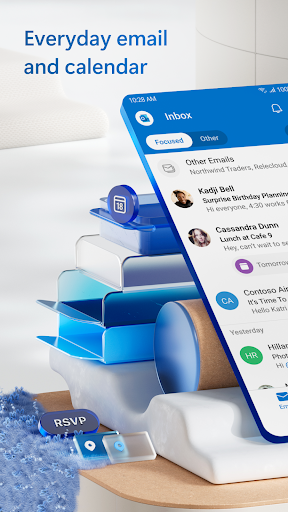
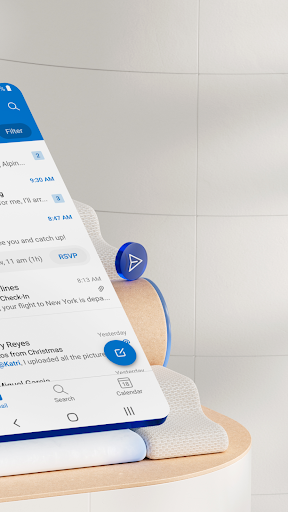
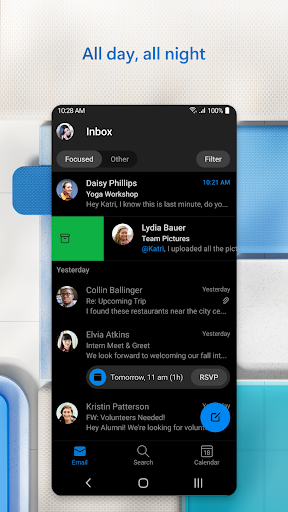
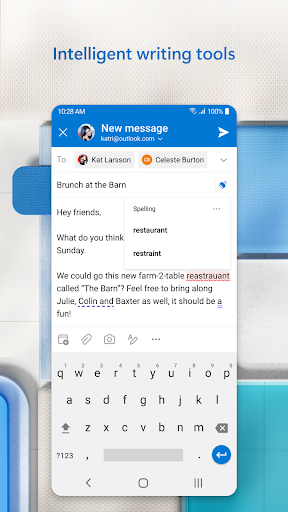
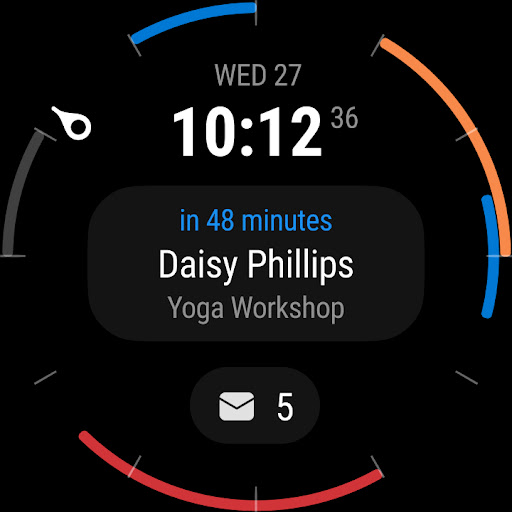
Microsoft Outlook helps busy individuals manage their communications and schedules efficiently. It suits anyone needing to consolidate work, school, and personal accounts in one application. For instance, you can quickly see your day's meetings and urgent emails by checking the combined calendar and focused inbox.
What Stands Out
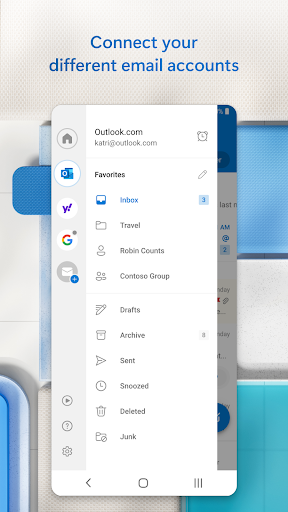
- Manage multiple email accounts like Gmail, Yahoo, and Outlook.com all within a single app for convenience.
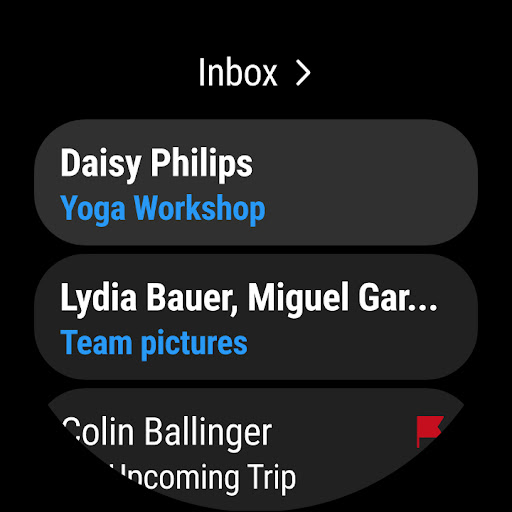
- View and organize your emails with smart filters, separating important messages into a Focused inbox.
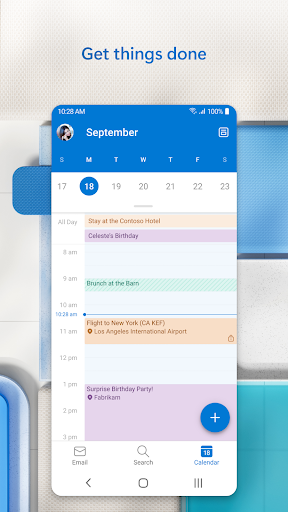
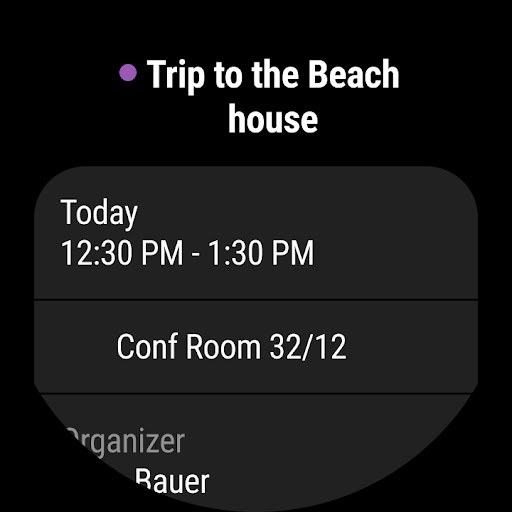
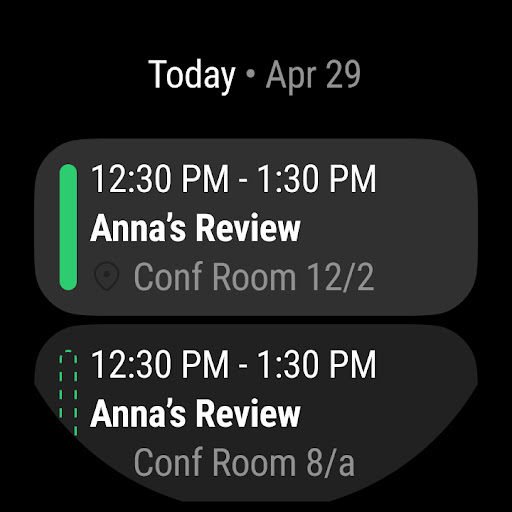
- Integrate calendars from different services to see your schedule at a glance.
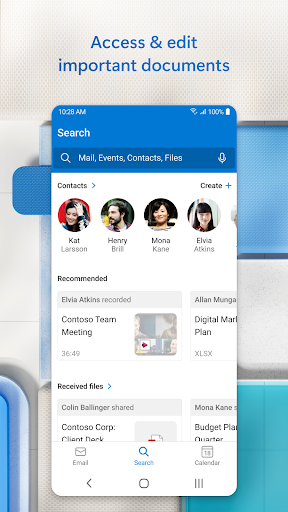
- Access and send files from cloud storage like OneDrive directly from your inbox.
Things to Consider
While Outlook is free for personal use, some advanced features like email encryption require a Microsoft 365 subscription. The app is available on major app stores, but users should always ensure they download from official sources. Paid features are not essential for core email and calendar management.
Useful Tips
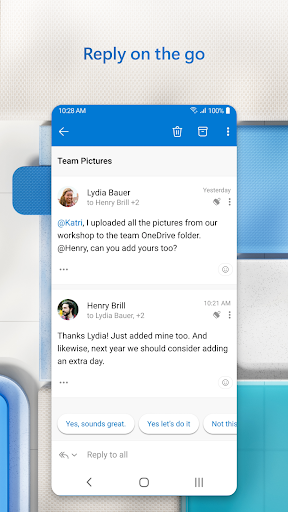
- Swipe left or right on emails to quickly archive, delete, or snooze them.
- Utilize the Focused inbox to prioritize important messages and reduce distractions.
- Combine multiple calendars to get a clear overview of your daily and weekly schedule.
- Use the voice search function to quickly find emails, contacts, or events.
More Apps
 ビックカメラShopping★ 5.01M+
 손목닥터9988Health & Fitness★ 5.01M+
 ScottishPower - Your EnergyHouse & Home★ 5.01M+
 調整さんProductivity★ 5.0100K+
 PrestaCOPFinance★ 5.050K+
 YouVersion BibleBooks & Reference★ 4.9100M+
 Question.AI - Chatbot&Math AIEducation★ 4.95M+
 Centi PRO - Currency ConverterFinance★ 4.91K+
 Word Search ExplorerWord★ 4.95M+
 Collage Maker | Photo EditorPhotography★ 4.9100M+
 Panera BreadFood & Drink★ 4.95M+
 StardustTV - Movies & DramasEntertainment★ 4.9500K+
 Waymo OneMaps & Navigation★ 4.91M+
 PopeyesFood & Drink★ 4.95M+
 CHANI: Your Astrology GuideLifestyle★ 4.950K+
 Al Quran (Tafsir & by Word)Books & Reference★ 4.95M+
 ColorNote Notepad NotesProductivity★ 4.9100M+
 SpeedwayFood & Drink★ 4.95M+
 Bubble Level - Level ToolTools★ 4.91M+
 MPCTravel & Local★ 4.91M+
 Marriott BonvoyTravel & Local★ 4.910M+
 ArriveCANTravel & Local★ 4.95M+
 LimeTravel & Local★ 4.910M+
 GIF Sticker & WAstickerSocial★ 4.95M+
 漢字辞典Books & Reference★ 4.9500K+
 ChewyShopping★ 4.910M+
 EventbriteEntertainment★ 4.910M+
 Vita MahjongBoard★ 4.9100M+
 NPRNews & Magazines★ 4.85M+
 7-ElevenFood & Drink★ 4.810M+