
PDF Scanner - Document Scanner
10M+
App information
- Name:
- PDF Scanner - Document Scanner
- Category:
- Productivity
- Safety:
- Not verified
- Price:
- Free
- Developer:
- Simple Design Ltd.
- Download:
- 10M+
Screenshots






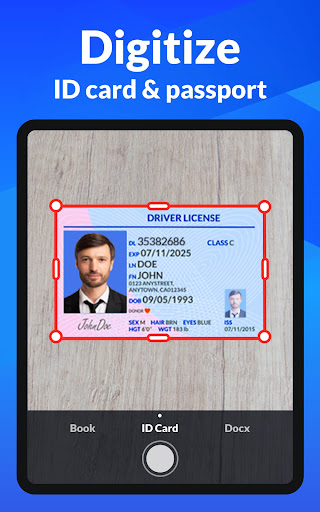
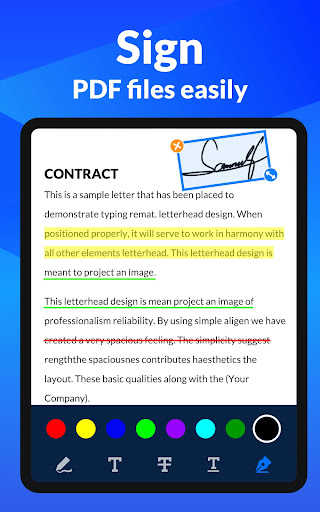
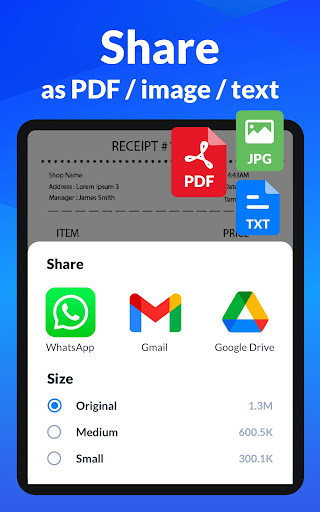
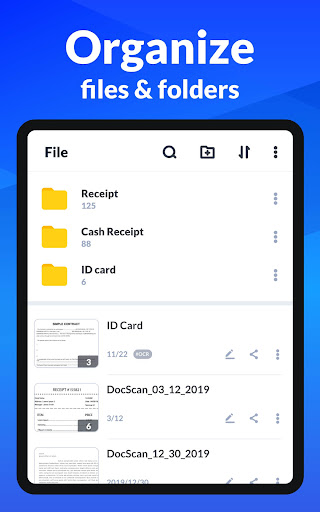
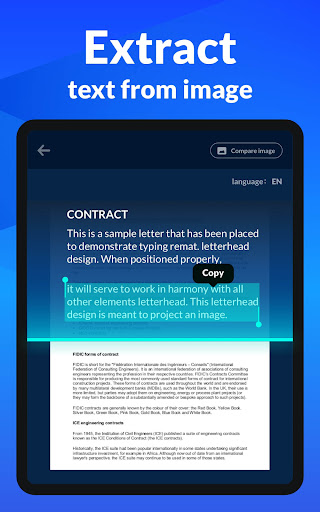
About
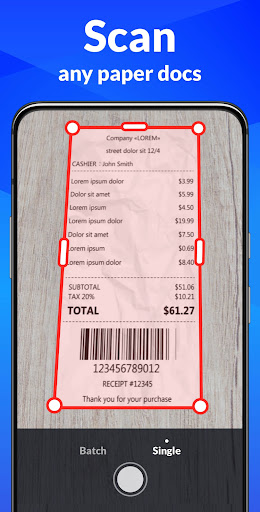
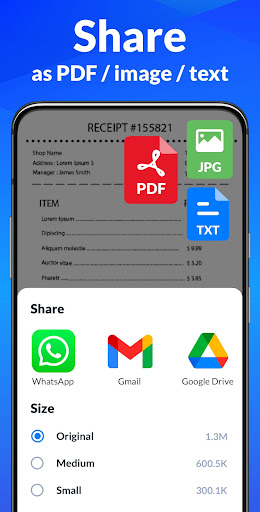
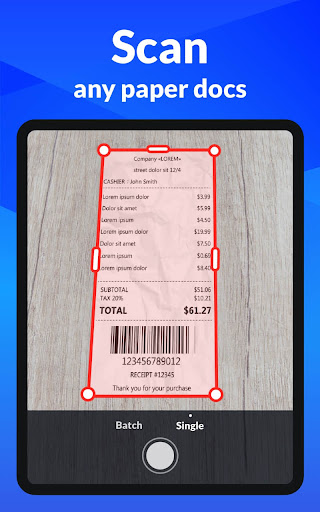
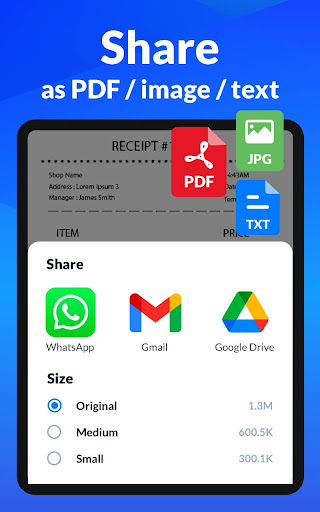
Any Scanner transforms your phone into a portable PDF scanner, ideal for anyone needing to digitize documents. It helps users quickly convert paper notes, receipts, or business cards into clear digital files, easily shareable via email or cloud services, streamlining document management on the go.
What Stands Out
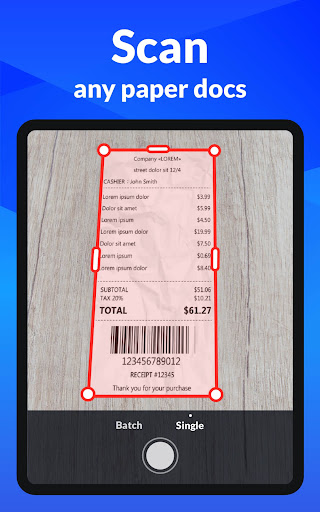
- Converts various documents like receipts and business cards into PDFs or JPGs with a single tap.
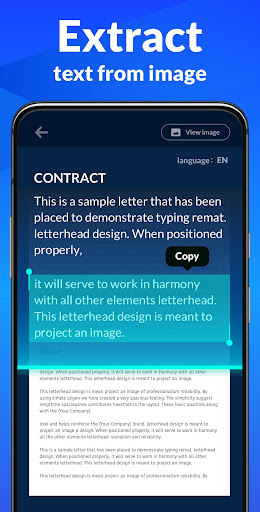
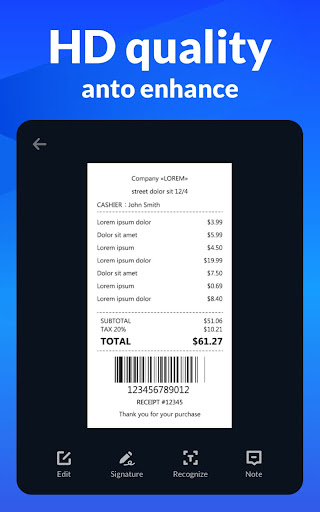
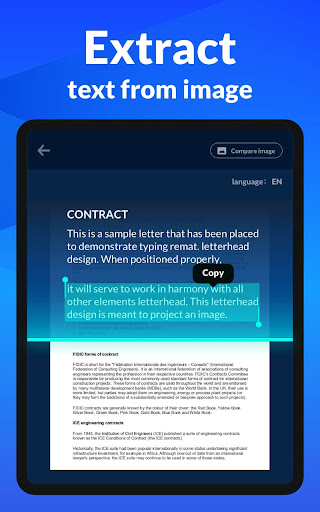
- Extracts text from scanned images using OCR technology for easy editing and sharing.
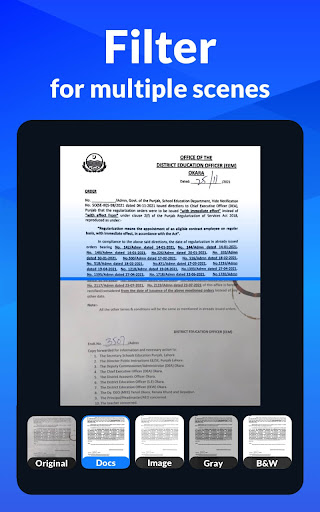
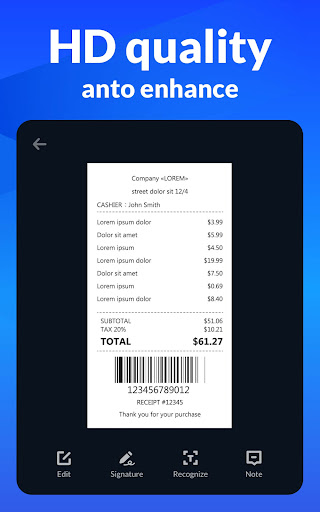
- Offers smart cropping and auto-enhancement for professional-quality, high-resolution scan results.
- Enables adding electronic signatures and security watermarks to protect and authenticate scanned files.
Things to Consider
All features are available for free, eliminating the need for in-app purchases. While the app offers backup and sync options, users should verify their preferred cloud storage service is supported. Account creation is not explicitly required for core scanning functions.
Useful Tips
- Use the smart cropping and auto-enhancing features for clearer, sharper scanned document outputs.
- Leverage the OCR function to quickly extract and edit text from scanned papers or images.
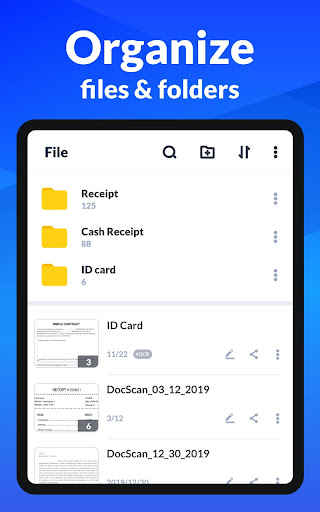
- Organize your scanned documents by creating subfolders to easily manage and locate files.
- Protect sensitive documents by adding custom watermarks or exploring future password protection features.
More Apps
 ビックカメラShopping★ 5.01M+
 손목닥터9988Health & Fitness★ 5.01M+
 ScottishPower - Your EnergyHouse & Home★ 5.01M+
 調整さんProductivity★ 5.0100K+
 PrestaCOPFinance★ 5.050K+
 YouVersion BibleBooks & Reference★ 4.9100M+
 Question.AI - Chatbot&Math AIEducation★ 4.95M+
 Centi PRO - Currency ConverterFinance★ 4.91K+
 Word Search ExplorerWord★ 4.95M+
 Collage Maker | Photo EditorPhotography★ 4.9100M+
 Panera BreadFood & Drink★ 4.95M+
 StardustTV - Movies & DramasEntertainment★ 4.9500K+
 Waymo OneMaps & Navigation★ 4.91M+
 PopeyesFood & Drink★ 4.95M+
 CHANI: Your Astrology GuideLifestyle★ 4.950K+
 Al Quran (Tafsir & by Word)Books & Reference★ 4.95M+
 ColorNote Notepad NotesProductivity★ 4.9100M+
 SpeedwayFood & Drink★ 4.95M+
 Bubble Level - Level ToolTools★ 4.91M+
 MPCTravel & Local★ 4.91M+
 Marriott BonvoyTravel & Local★ 4.910M+
 ArriveCANTravel & Local★ 4.95M+
 LimeTravel & Local★ 4.910M+
 GIF Sticker & WAstickerSocial★ 4.95M+
 漢字辞典Books & Reference★ 4.9500K+
 ChewyShopping★ 4.910M+
 EventbriteEntertainment★ 4.910M+
 Vita MahjongBoard★ 4.9100M+
 NPRNews & Magazines★ 4.85M+
 7-ElevenFood & Drink★ 4.810M+