

WeTransfer : File Transfer
5M+
App information
- Name:
- WeTransfer : File Transfer
- Category:
- Productivity
- Safety:
- Not verified
- Price:
- Free
- Developer:
- WeTransfer BV
- Download:
- 5M+
Screenshots








About
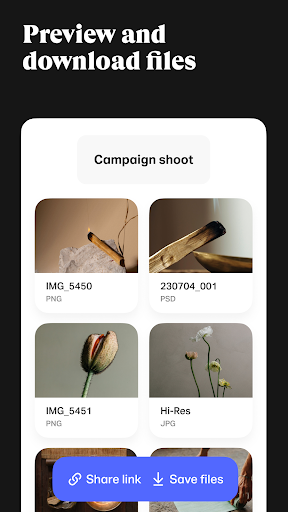
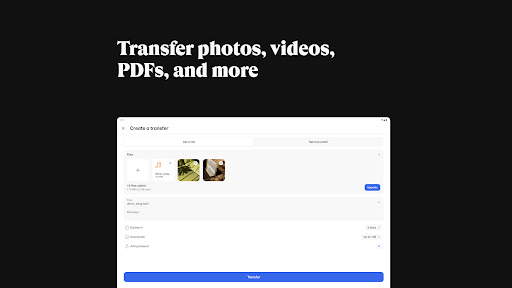
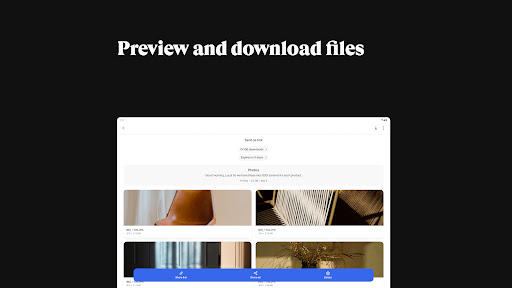
WeTransfer simplifies sending large files, ideal for professionals and creatives needing to share high-quality media. For instance, a photographer can send a large batch of edited photos to a client without worrying about file size limits or quality degradation, ensuring their work is received perfectly.
What Stands Out
- Send any file size without limitations, perfect for transferring large video projects or design assets.
- Share videos and photos retaining their original quality, crucial for videographers and photographers.
- Keep file metadata intact, ensuring important EXIF or other data is preserved during transfer.
- User-friendly interface for easy sharing via links or email, streamlining the process for both sender and receiver.
Things to Consider
While basic file transfers are free, some advanced features or increased storage might require a paid subscription. Users should check the WeTransfer website for current details on free tier limitations and available paid plans. An account is not strictly necessary for sending files.
Useful Tips
- Send files via a shareable link directly from the app to your preferred messaging service.
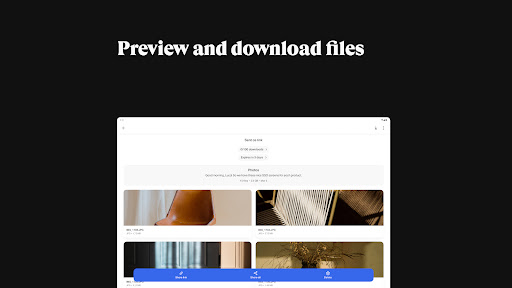
- Utilize the service to send videos without any compression, preserving full resolution.
- Share your professional photo galleries in their original file size and native resolution.
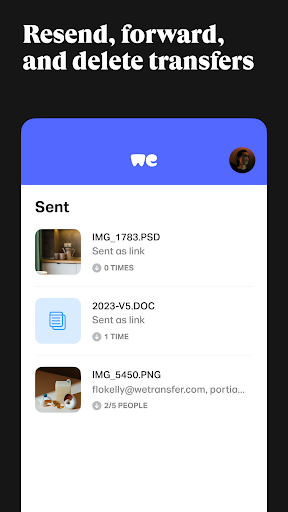
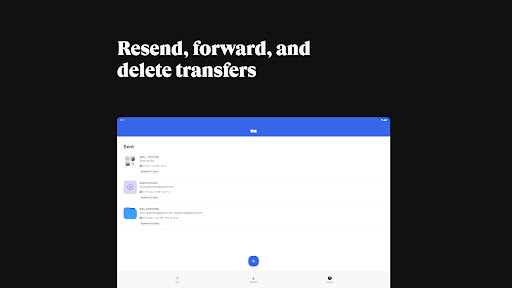
- Check download statuses and notifications to manage your transfers efficiently.
More Apps
 ビックカメラShopping★ 5.01M+
 손목닥터9988Health & Fitness★ 5.01M+
 ScottishPower - Your EnergyHouse & Home★ 5.01M+
 調整さんProductivity★ 5.0100K+
 PrestaCOPFinance★ 5.050K+
 YouVersion BibleBooks & Reference★ 4.9100M+
 Question.AI - Chatbot&Math AIEducation★ 4.95M+
 Centi PRO - Currency ConverterFinance★ 4.91K+
 Word Search ExplorerWord★ 4.95M+
 Collage Maker | Photo EditorPhotography★ 4.9100M+
 Panera BreadFood & Drink★ 4.95M+
 StardustTV - Movies & DramasEntertainment★ 4.9500K+
 Waymo OneMaps & Navigation★ 4.91M+
 PopeyesFood & Drink★ 4.95M+
 CHANI: Your Astrology GuideLifestyle★ 4.950K+
 Al Quran (Tafsir & by Word)Books & Reference★ 4.95M+
 ColorNote Notepad NotesProductivity★ 4.9100M+
 SpeedwayFood & Drink★ 4.95M+
 Bubble Level - Level ToolTools★ 4.91M+
 MPCTravel & Local★ 4.91M+
 Marriott BonvoyTravel & Local★ 4.910M+
 ArriveCANTravel & Local★ 4.95M+
 LimeTravel & Local★ 4.910M+
 GIF Sticker & WAstickerSocial★ 4.95M+
 漢字辞典Books & Reference★ 4.9500K+
 ChewyShopping★ 4.910M+
 EventbriteEntertainment★ 4.910M+
 Vita MahjongBoard★ 4.9100M+
 NPRNews & Magazines★ 4.85M+
 7-ElevenFood & Drink★ 4.810M+