

Copy My Data: Transfer Content
50M+
App information
- Name:
- Copy My Data: Transfer Content
- Category:
- Tools
- Safety:
- Not verified
- Price:
- Free
- Developer:
- Red Sky Labs
- Download:
- 50M+
Screenshots


About
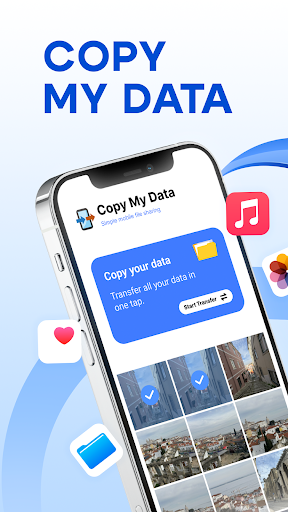
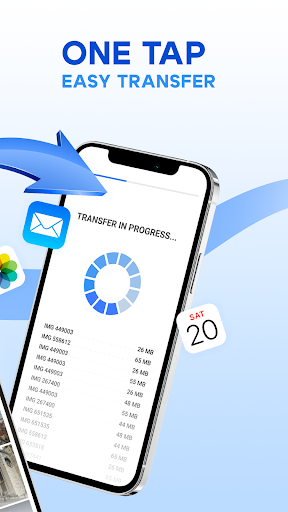
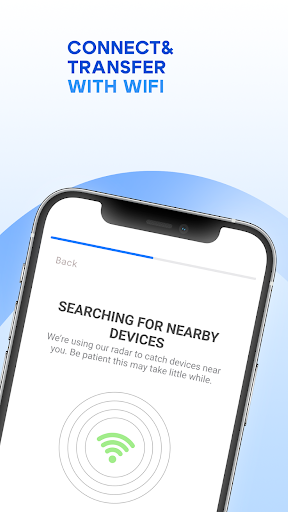
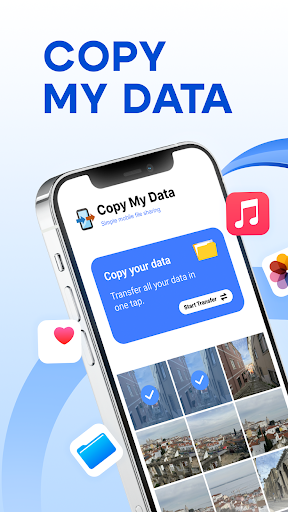
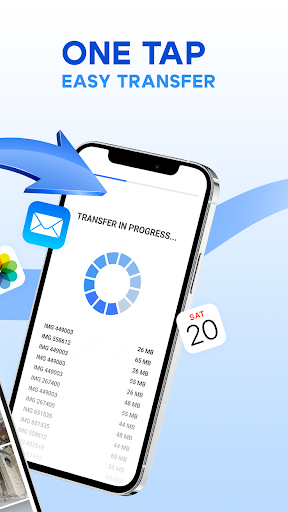
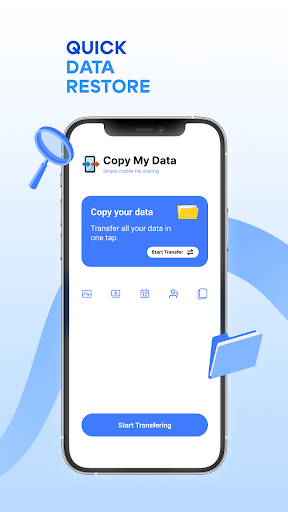
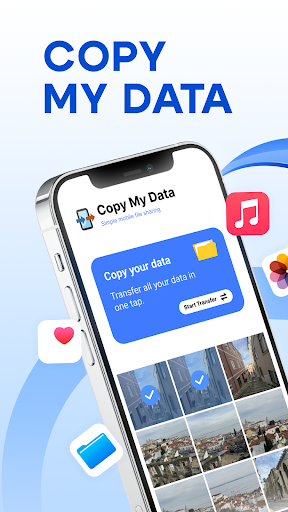
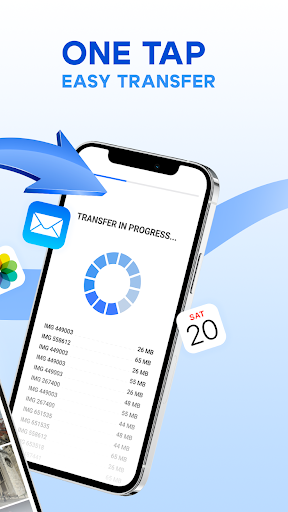
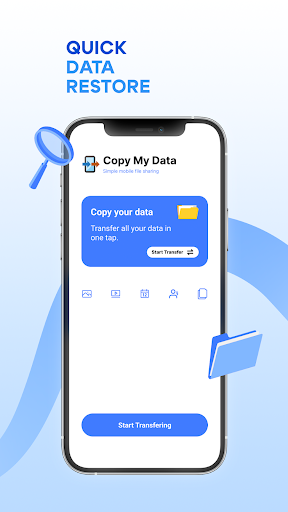
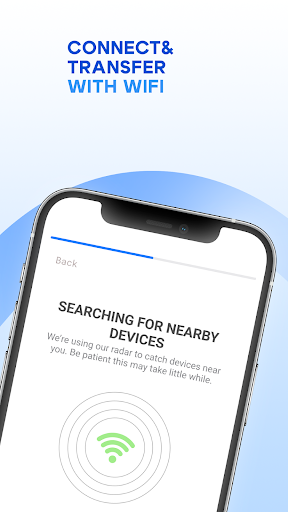
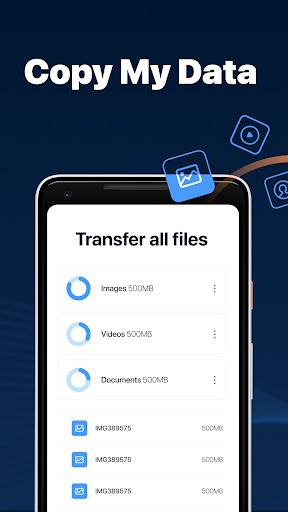
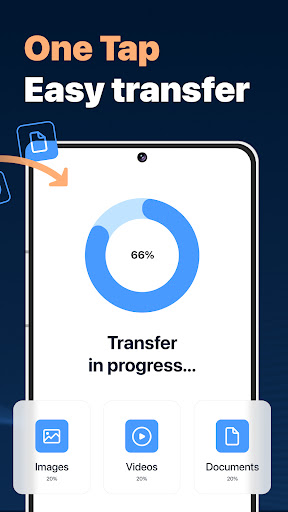
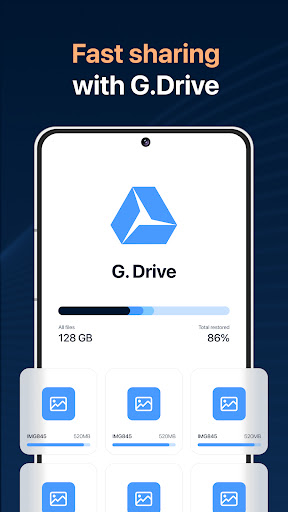
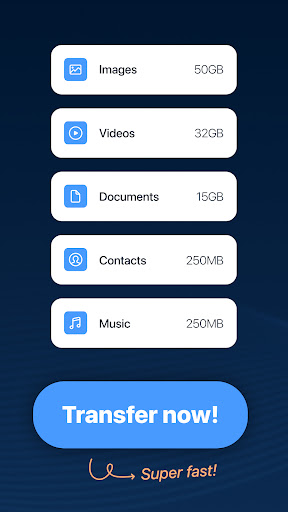
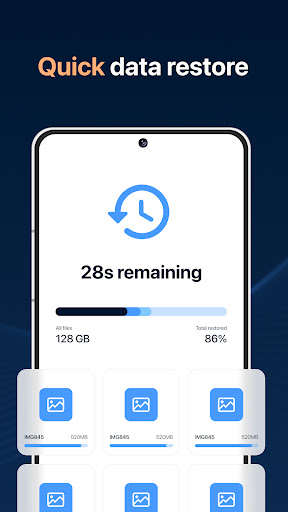
Copy My Data facilitates phone-to-phone content transfer over WiFi without needing a computer. It's ideal for anyone upgrading their smartphone, helping them move photos, videos, and contacts seamlessly. This app simplifies the process of migrating essential data when switching devices, ensuring a smooth transition.
What Stands Out
- Transfers data like photos, videos, music, and calendar entries between phones.
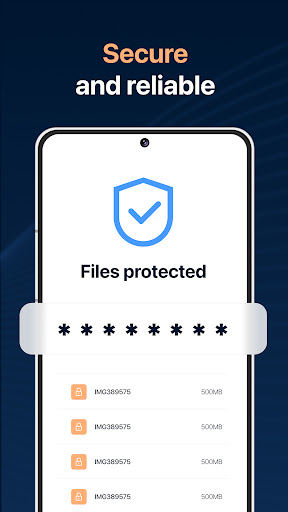
- Utilizes QR codes for easy and secure wireless device pairing.
- Enables phone cloning without requiring a PC for the transfer process.
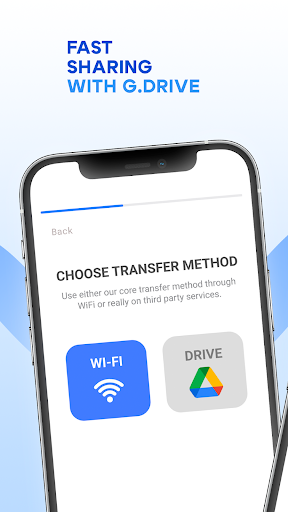
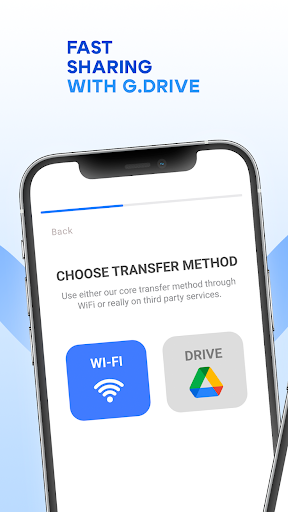
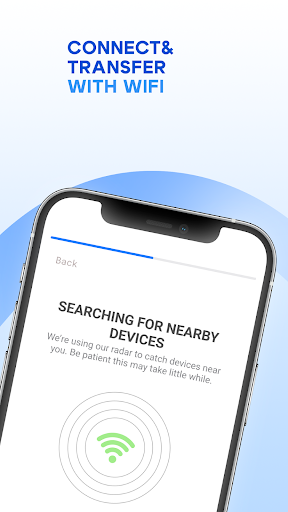
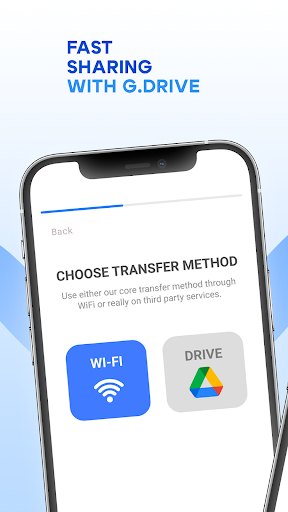
- Works by connecting both devices to the same WiFi network for data backup.
Things to Consider
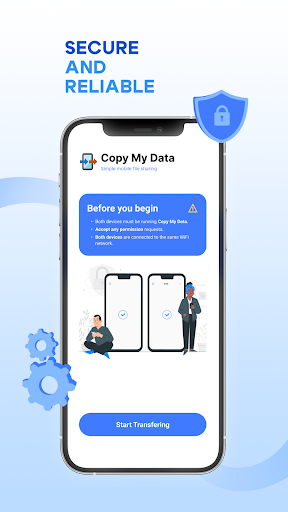
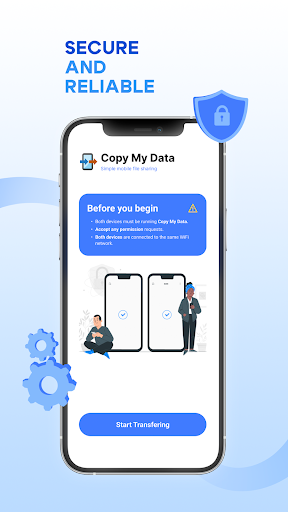
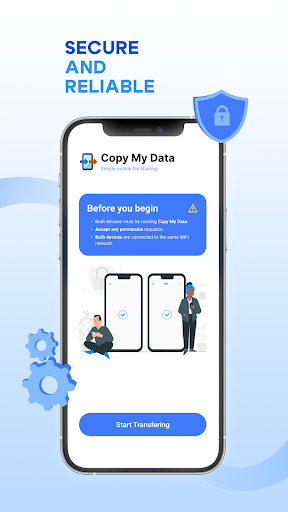
Both devices must be connected to the same WiFi network for the transfer to function. The app does not require an account for basic data transfer. Users should ensure they download the app from a verified source to maintain data security during the transfer.
Useful Tips
- Connect both your old and new phones to the same WiFi network before starting.
- Use the QR code option for a quick and secure connection between devices.
- Ensure all desired data categories (photos, contacts, calendar) are selected for transfer.
- Initiate the transfer process on the new phone to receive data from the old one.
More Apps
 ビックカメラShopping★ 5.01M+
 손목닥터9988Health & Fitness★ 5.01M+
 ScottishPower - Your EnergyHouse & Home★ 5.01M+
 調整さんProductivity★ 5.0100K+
 PrestaCOPFinance★ 5.050K+
 YouVersion BibleBooks & Reference★ 4.9100M+
 Question.AI - Chatbot&Math AIEducation★ 4.95M+
 Centi PRO - Currency ConverterFinance★ 4.91K+
 Word Search ExplorerWord★ 4.95M+
 Collage Maker | Photo EditorPhotography★ 4.9100M+
 Panera BreadFood & Drink★ 4.95M+
 StardustTV - Movies & DramasEntertainment★ 4.9500K+
 Waymo OneMaps & Navigation★ 4.91M+
 PopeyesFood & Drink★ 4.95M+
 CHANI: Your Astrology GuideLifestyle★ 4.950K+
 Al Quran (Tafsir & by Word)Books & Reference★ 4.95M+
 ColorNote Notepad NotesProductivity★ 4.9100M+
 SpeedwayFood & Drink★ 4.95M+
 Bubble Level - Level ToolTools★ 4.91M+
 MPCTravel & Local★ 4.91M+
 Marriott BonvoyTravel & Local★ 4.910M+
 ArriveCANTravel & Local★ 4.95M+
 LimeTravel & Local★ 4.910M+
 GIF Sticker & WAstickerSocial★ 4.95M+
 漢字辞典Books & Reference★ 4.9500K+
 ChewyShopping★ 4.910M+
 EventbriteEntertainment★ 4.910M+
 Vita MahjongBoard★ 4.9100M+
 NPRNews & Magazines★ 4.85M+
 7-ElevenFood & Drink★ 4.810M+