

ZArchiver
100M+
App information
- Name:
- ZArchiver
- Category:
- Tools
- Safety:
- Not verified
- Price:
- Free
- Developer:
- ZDevs
- Download:
- 100M+
Screenshots
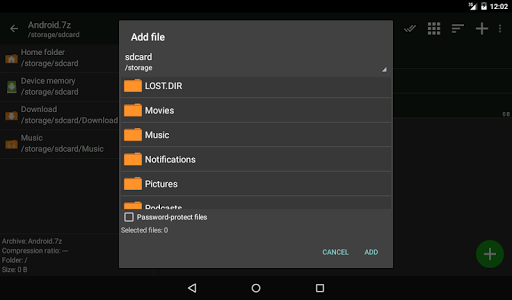
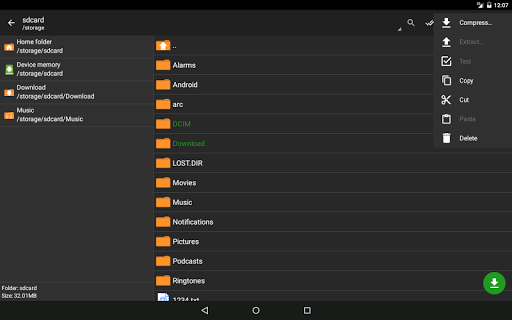



About
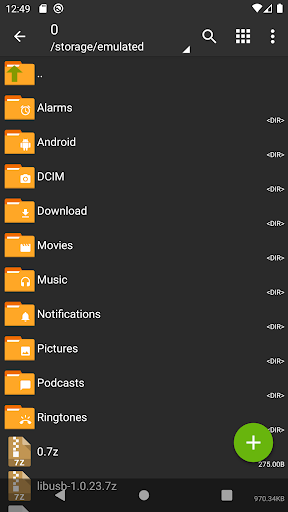
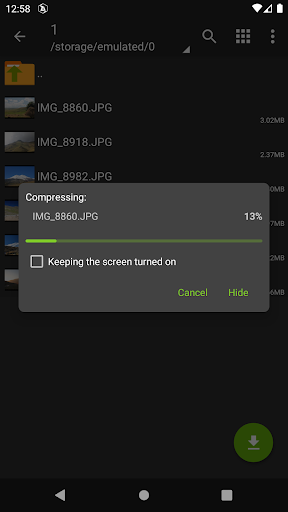
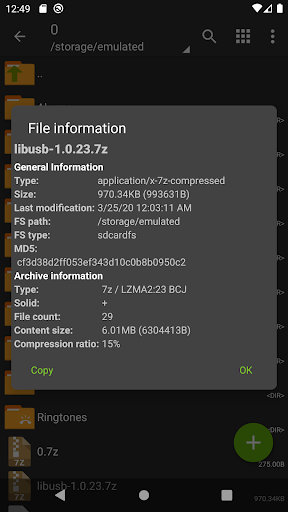
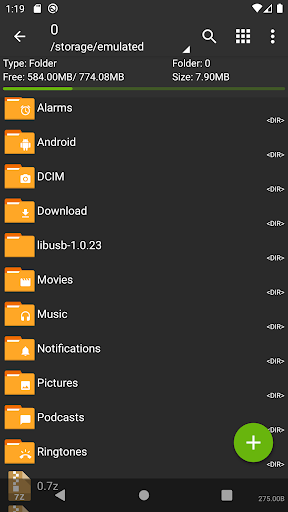
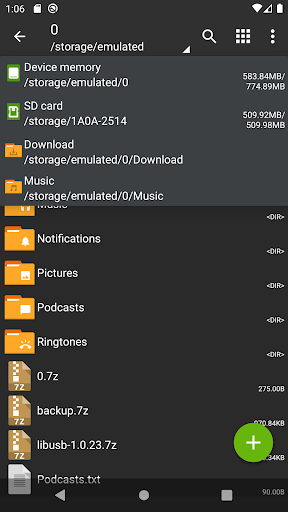
ZArchiver is a versatile file archiving tool for Android users. It allows efficient compression and decompression of various archive formats, aiding in saving storage space and organizing files. For instance, it helps users easily manage large downloads by compressing them before transferring or storing them locally.
What Stands Out
- Supports creation and decompression of numerous archive formats including 7z, zip, and rar for broad compatibility.
- Enables editing of existing archives by adding or removing files, streamlining file management.
- Facilitates installation of APK and OBB files directly from archives, simplifying app setup.
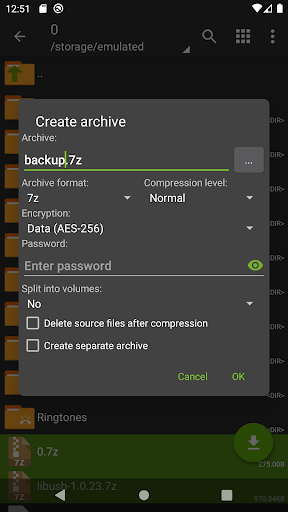
- Handles password-protected archives, ensuring the security of sensitive data during compression.
Things to Consider
This application does not require an internet connection for its core functions, enhancing user privacy. While most features are free, users should verify if any advanced or specific format support might be subject to future changes. No information is provided regarding paid features or APK availability.
Useful Tips
- To compress files, select them by tapping their icons and then choose 'Compress' from the menu.
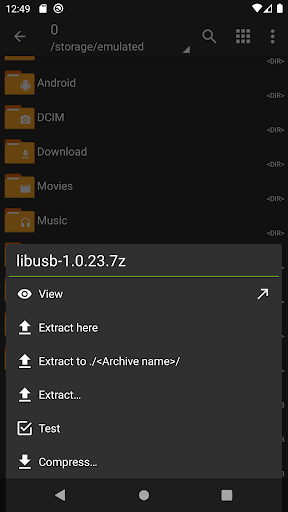
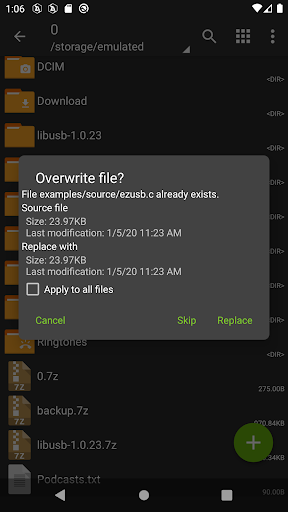
- Extract archives by tapping the archive name and selecting 'Extract Here' or other relevant options.
- Manage password-protected archives by entering the correct password when prompted for decompression.
- Utilize multi-threading support for faster compression and decompression on devices with multiple cores.
More Apps
 ビックカメラShopping★ 5.01M+
 손목닥터9988Health & Fitness★ 5.01M+
 ScottishPower - Your EnergyHouse & Home★ 5.01M+
 調整さんProductivity★ 5.0100K+
 PrestaCOPFinance★ 5.050K+
 YouVersion BibleBooks & Reference★ 4.9100M+
 Question.AI - Chatbot&Math AIEducation★ 4.95M+
 Centi PRO - Currency ConverterFinance★ 4.91K+
 Word Search ExplorerWord★ 4.95M+
 Collage Maker | Photo EditorPhotography★ 4.9100M+
 Panera BreadFood & Drink★ 4.95M+
 StardustTV - Movies & DramasEntertainment★ 4.9500K+
 Waymo OneMaps & Navigation★ 4.91M+
 PopeyesFood & Drink★ 4.95M+
 CHANI: Your Astrology GuideLifestyle★ 4.950K+
 Al Quran (Tafsir & by Word)Books & Reference★ 4.95M+
 ColorNote Notepad NotesProductivity★ 4.9100M+
 SpeedwayFood & Drink★ 4.95M+
 Bubble Level - Level ToolTools★ 4.91M+
 MPCTravel & Local★ 4.91M+
 Marriott BonvoyTravel & Local★ 4.910M+
 ArriveCANTravel & Local★ 4.95M+
 LimeTravel & Local★ 4.910M+
 GIF Sticker & WAstickerSocial★ 4.95M+
 漢字辞典Books & Reference★ 4.9500K+
 ChewyShopping★ 4.910M+
 EventbriteEntertainment★ 4.910M+
 Vita MahjongBoard★ 4.9100M+
 NPRNews & Magazines★ 4.85M+
 7-ElevenFood & Drink★ 4.810M+