

LetsView
5M+
App information
- Name:
- LetsView
- Category:
- Tools
- Safety:
- Not verified
- Price:
- Free
- Developer:
- WangxuTech
- Download:
- 5M+
Screenshots





About
LetsView offers free screen mirroring for phones, tablets, and computers to TVs or PCs. It suits users needing to share content visually, like casting a movie from a phone to a TV for family entertainment. This tool simplifies projecting digital content onto larger screens for various communication and leisure purposes.
What Stands Out
- Mirror phone screens to a PC or Mac for enhanced viewing or presentations on a larger display.
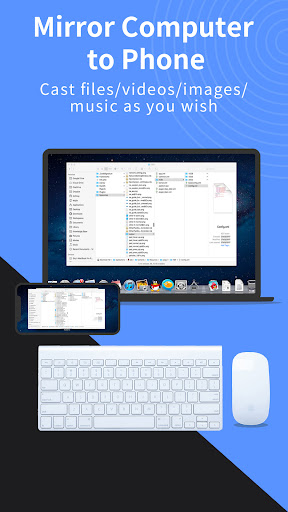
- Control your PC from your smartphone, using it as a keyboard or mouse for convenient interaction.
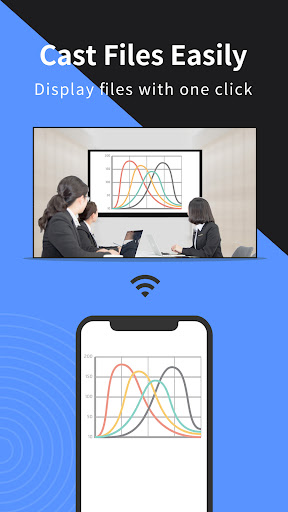
- Cast your PC or mobile screen to a TV, ideal for sharing movies, games, or business content.
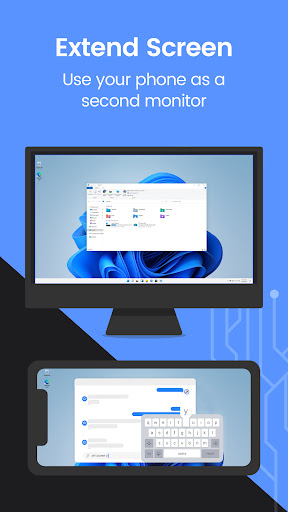
- Use your phone as a secondary monitor for your computer, boosting productivity by extending your workspace.
Things to Consider
LetsView is available for Windows PC & Mac and Android 5.0+. All devices should ideally be on the same Wi-Fi network for easy connection, though remote mirroring is supported via a code. No account is mentioned as required for core features, but users should verify this for all functionalities.
Useful Tips
- Connect your phone to your PC or TV by ensuring both devices are on the same Wi-Fi network for automatic detection.
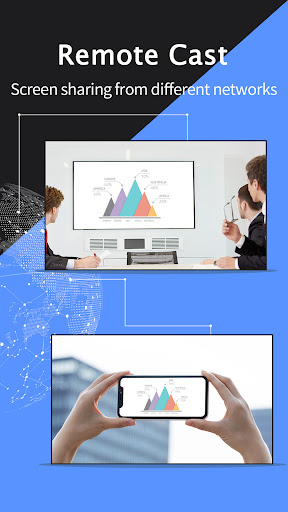
- Utilize the remote screen mirroring feature by entering the remote cast code to connect devices on different networks.
- Control your computer from your phone by enabling the keyboard/mouse control option after establishing a connection.
- Extend your computer's display by turning your phone into a secondary monitor for improved multitasking efficiency.
More Apps
 ビックカメラShopping★ 5.01M+
 손목닥터9988Health & Fitness★ 5.01M+
 ScottishPower - Your EnergyHouse & Home★ 5.01M+
 調整さんProductivity★ 5.0100K+
 PrestaCOPFinance★ 5.050K+
 YouVersion BibleBooks & Reference★ 4.9100M+
 Question.AI - Chatbot&Math AIEducation★ 4.95M+
 Centi PRO - Currency ConverterFinance★ 4.91K+
 Word Search ExplorerWord★ 4.95M+
 Collage Maker | Photo EditorPhotography★ 4.9100M+
 Panera BreadFood & Drink★ 4.95M+
 StardustTV - Movies & DramasEntertainment★ 4.9500K+
 Waymo OneMaps & Navigation★ 4.91M+
 PopeyesFood & Drink★ 4.95M+
 CHANI: Your Astrology GuideLifestyle★ 4.950K+
 Al Quran (Tafsir & by Word)Books & Reference★ 4.95M+
 ColorNote Notepad NotesProductivity★ 4.9100M+
 SpeedwayFood & Drink★ 4.95M+
 Bubble Level - Level ToolTools★ 4.91M+
 MPCTravel & Local★ 4.91M+
 Marriott BonvoyTravel & Local★ 4.910M+
 ArriveCANTravel & Local★ 4.95M+
 LimeTravel & Local★ 4.910M+
 GIF Sticker & WAstickerSocial★ 4.95M+
 漢字辞典Books & Reference★ 4.9500K+
 ChewyShopping★ 4.910M+
 EventbriteEntertainment★ 4.910M+
 Vita MahjongBoard★ 4.9100M+
 NPRNews & Magazines★ 4.85M+
 7-ElevenFood & Drink★ 4.810M+